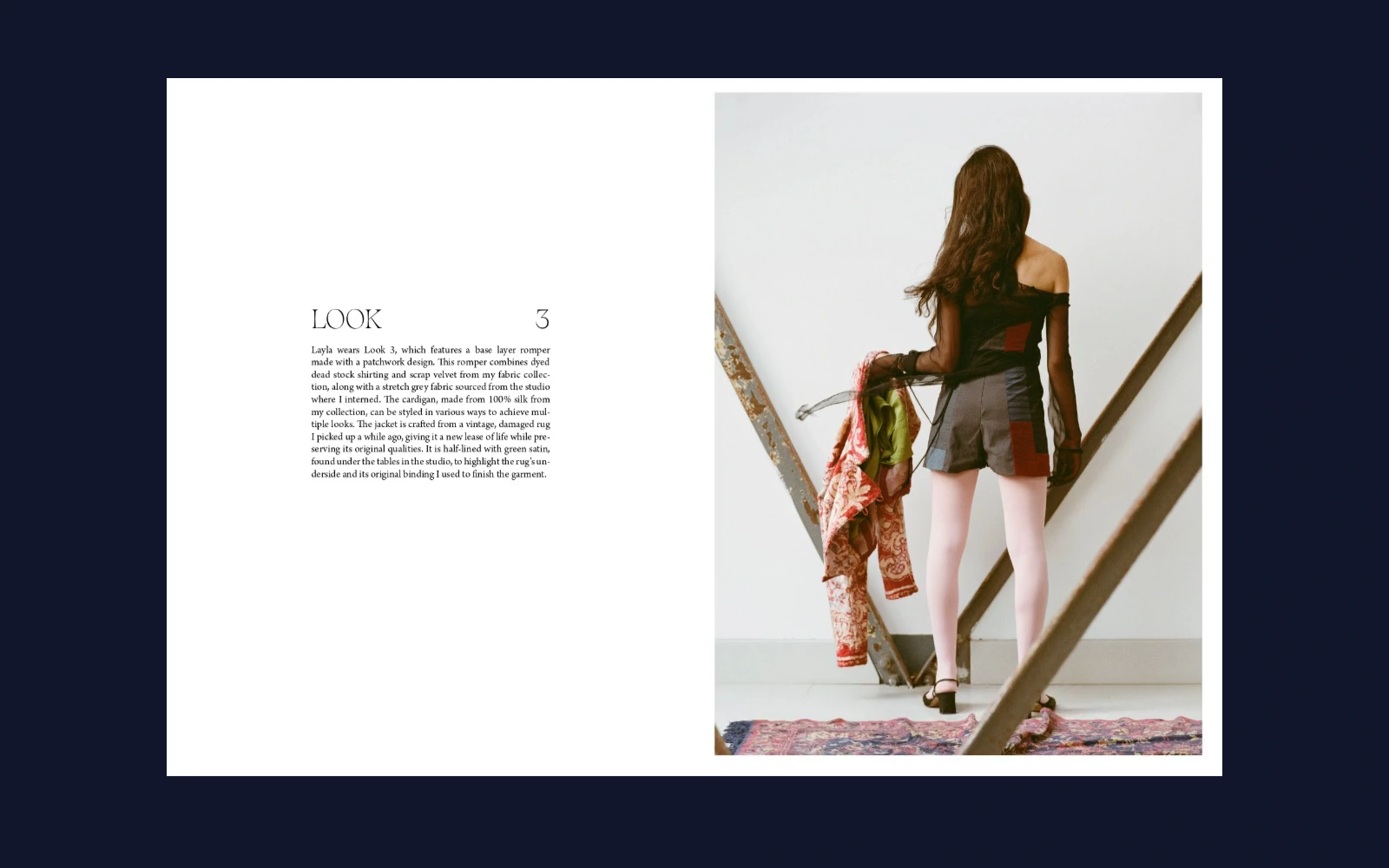
Free PDF flipbook

Your PDF, as a free online flipbook. Simple to share.

Give your portfolio, lookbook or project presentation a book-like reading experience. Upload the PDF you already designed, choose flipbook reading and publish a link that opens on phones, tablets and desktops.

Drop your PDF hereor click to choose · publish up to 30 MB
Large PDF? Upload options
Before uploading

Everything happens on your device and your original file is never changed. Free publishes PDFs up to 30 MB, Personal up to 100 MB, and you can preview files up to 150 MB first.

  • No sign-up to preview
  • Free for one PDF up to 30 MB
  • Replace the file, keep the link
Live example

Give your portfolio, lookbook or project presentation a book-like reading experience. Upload the PDF you already designed, choose flipbook reading and publish a link that opens on phones, tablets and desktops.

Prepare a portfolio that is easy to open and read

Export for the screen

Keep a high-quality master and export a separate web PDF. Check body text, captions and fine drawings at normal viewing size. Large photographs often account for most of a PDF’s size; reduce their export resolution only as far as your work allows. Free publishes one PDF up to 30 MB and Personal up to 100 MB per portfolio. The upload box can also make a smaller web copy that resizes large photos for screens.
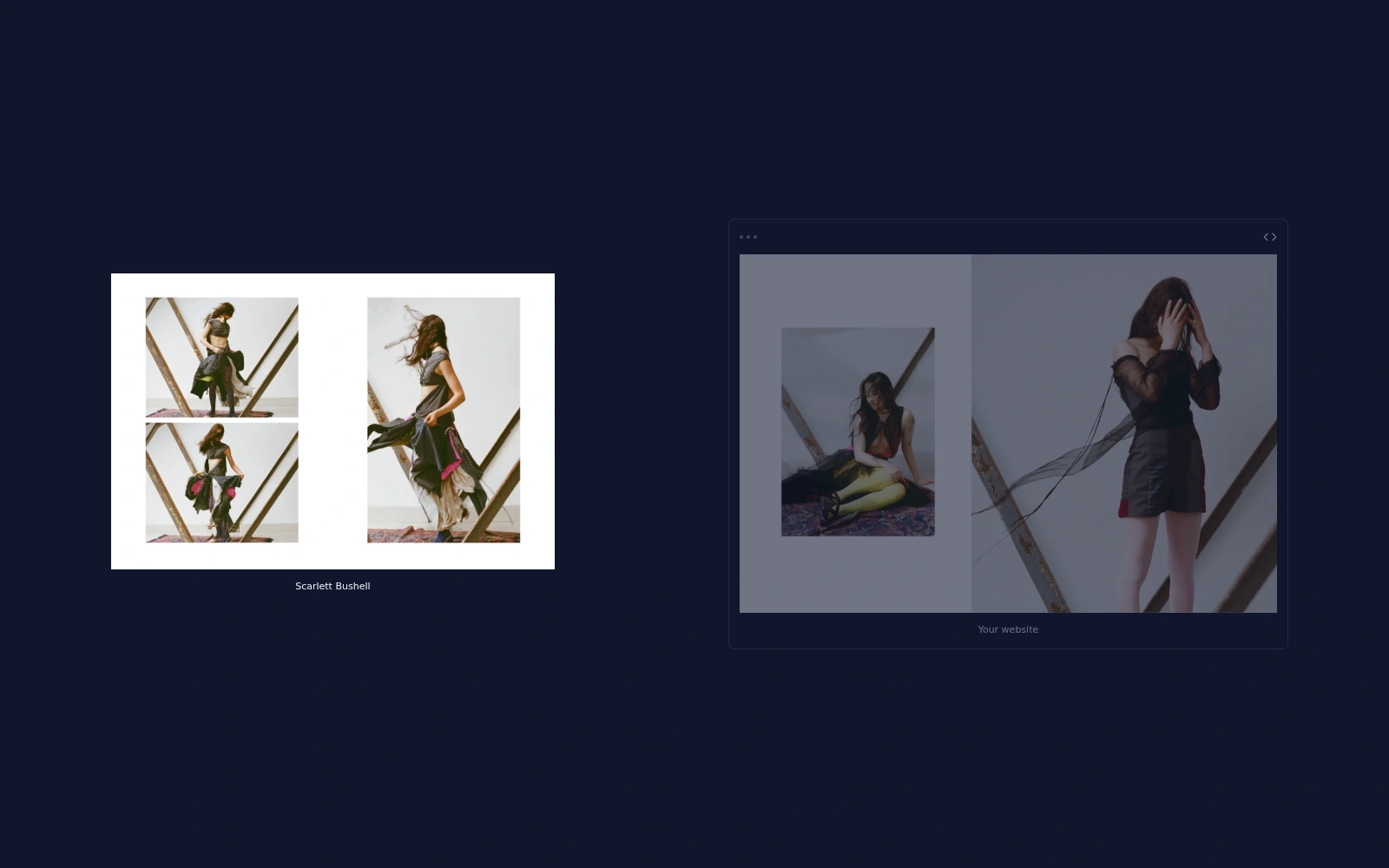
Try compression without flattening the pages

The optional upload optimiser repacks PDF data locally on your device. It does not rasterise pages or downsample images, so it may make little difference to an image-heavy file. Compare the reported sizes, download the result to review it, then choose which copy to upload. Your original file remains unchanged.

Choose pages or ready-made spreads

Check whether your PDF contains individual pages or already-designed double-page spreads before configuring the flipbook. Preview the front cover, a middle spread and the last page. Use Page by page when each sheet needs its own screen, or Scroll for a continuous read.

Test links in the right reading mode

PDF links and selectable text work in Scroll and Page by page. Flipbook currently presents rendered page images, so its PDF links are not clickable. Include contact links in your profile and offer a reading mode with clickable links when your portfolio sends people to live projects.

Check what you are sharing

Published links work for anyone who has the address, even when search indexing is off. Unlisted is not password-protected. Share only material you are allowed to publish. Inspect the public version on a phone as well as a desktop before adding the link to applications or printed QR cards.

Keep one address up to date

Replace a portfolio PDF from the editor to keep its sharing address and embed. Cover previews are generated for shared links, although social platforms may cache an older image. After a replacement, check the first and last pages and allow your account sync to finish before sharing.

Simple or Studio

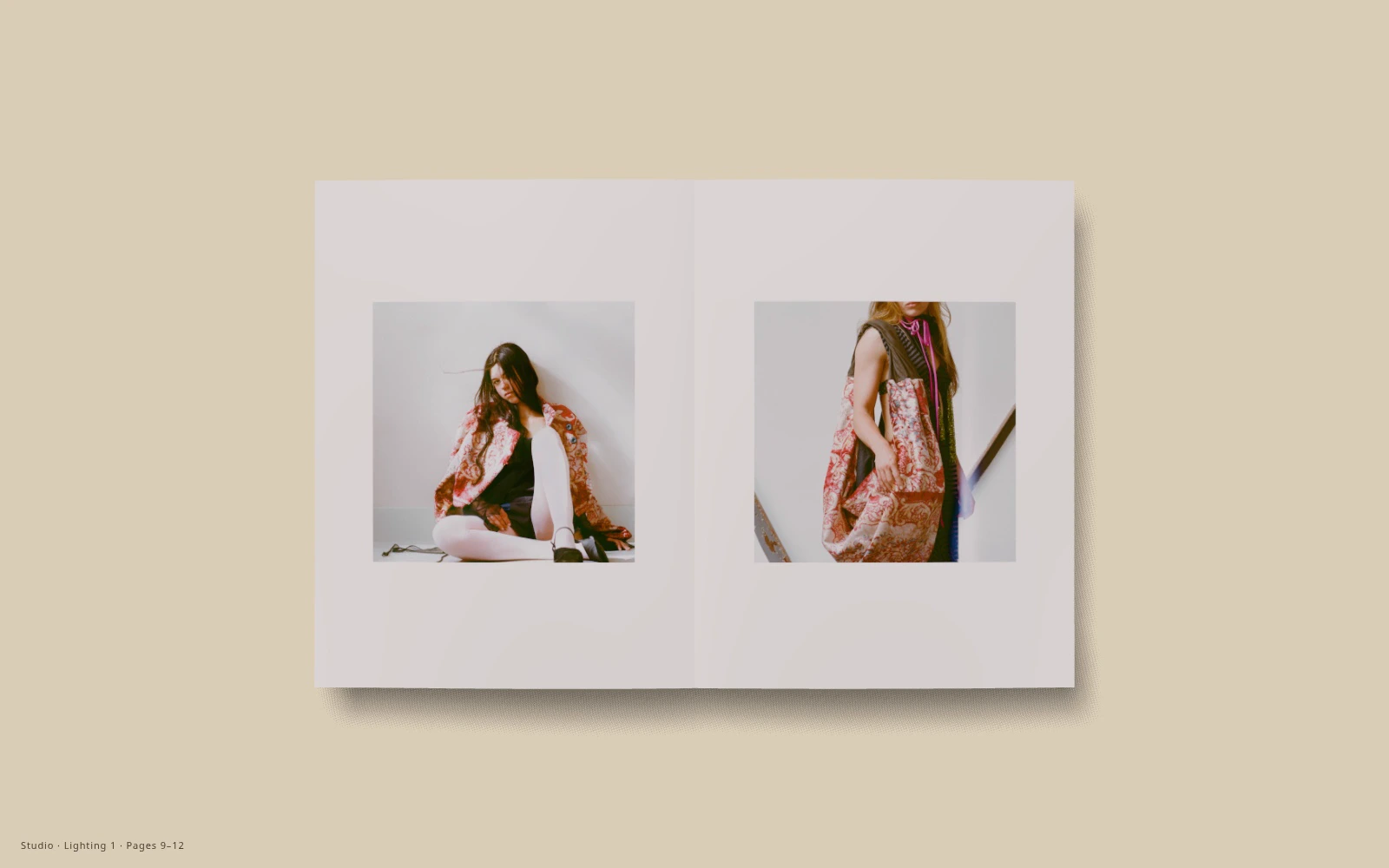
Read with clean page turns in Simple, or choose Studio for a 3D book with paper finishes, room lighting and wood backdrops.

Free PDF hosting

The Free plan includes one PDF portfolio up to 30 MB, a permanent sharing link and a downloadable QR code.

A book that fits the screen

Desktop readers see a two-page spread. On smaller screens, the camera follows the current page. Scroll and page-by-page reading are also available.

A simple viewer for a professional presentation

Choose how people read. On phones, the book camera follows the current page.

A Simple view and a 3D Studio view with paper finishes, room lighting and backdrops.

Start free with one PDF up to 30 MB. Explore the free PDF flipbook or see the plans.

How it works

How it works

  1. 1

    Export your work as a PDF, up to 30 MB on Free.

  2. 2

    Upload it, add your profile and select flipbook reading.

  3. 3

    Publish and share your portfolio link or QR code.

Try it with your PDF

Questions

Can I make a PDF flipbook for free?
Yes. Portfolia hosts one PDF portfolio up to 30 MB on the Free plan. You can present it using flipbook, scroll or page-by-page reading.
Do I need to rebuild my PDF?
No. Your existing PDF supplies the pages. Portfolia adds the online viewer and sharing link; it is not a PDF editor.
Does the flipbook work on mobile?
Yes. On narrow screens, the camera centers the current page as you read. Visitors can also choose scroll or page-by-page reading.
Can I update the PDF later?
Yes. Replace the PDF from your dashboard while keeping the same sharing link.