
Your university portfolio, ready to send.

Most UK art, design and architecture courses ask for a portfolio after you apply through UCAS, as a PDF upload, a link or through their own portal. Portfolia gives your portfolio PDF a clean link that admissions tutors can open on any device.

Drag your PDF here

PDF only · publish up to 30 MB on your plan

Large PDF? Upload options
Before uploading

Everything happens on your device and your original file is never changed. Free publishes PDFs up to 30 MB, Personal up to 100 MB, and you can preview files up to 150 MB first.

No sign-up to preview. Sign in to save and publish.

Before you apply

Is your portfolio ready?

Tick off what admissions tutors commonly look for. Always follow each course’s own instructions first.

0 of 8 done

Demonstration portfolio

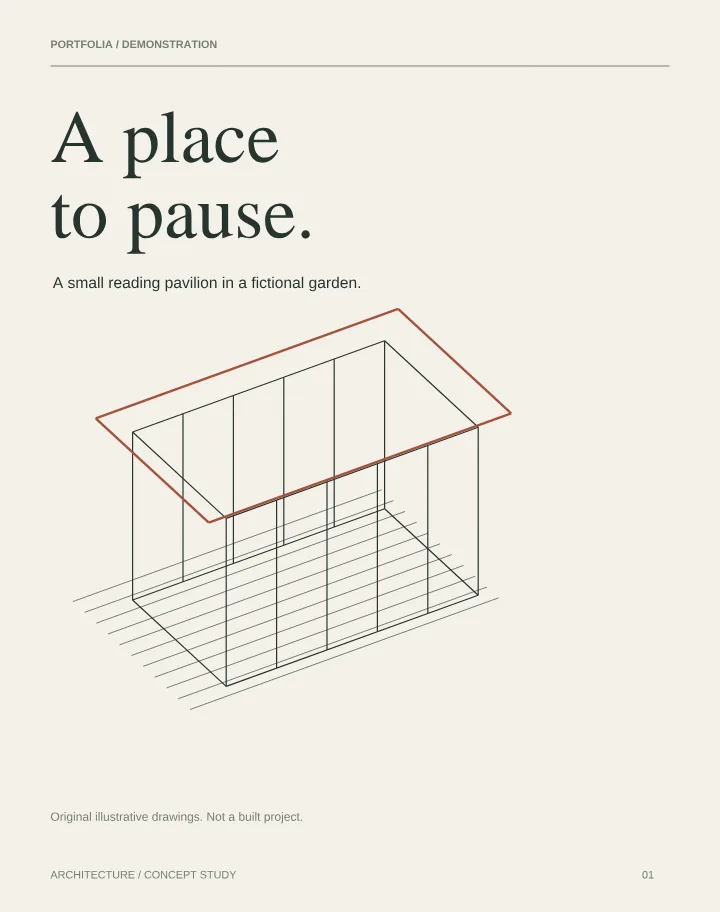
A place to pause

A six-page pavilion study: brief, plan, section, materials and reflection. Try the Projects menu to move between parts of the story.

Original fictional demonstration by Portfolia. Schematic drawings; not a built project or construction guidance.

1

Where a link is accepted

Some universities ask for a portfolio link after you apply, through their own portal or by email. Paste your one link and it opens on any device.

2

At interview

Open it full screen as a book, or hand over the QR code printed on your CV so tutors can look again later.

3

Between applications

Update the PDF for each course and the same link shows the latest version. Personal lets you keep a version per university.

Real examples

Portfolios across art and design

Open a demonstration portfolio in the live viewer to see how sketchbook pages, final pieces and captions read as a book.

Opens anywhere

Tutors can read it on a laptop, tablet or phone, with zoom for detail.

One link, many courses

Keep one link up to date, or use Personal for a separate version per university.

Show it at interview

Present full screen as a book or page by page, and bring the QR code on printed work.

Follow each university's instructions

Requirements differ: some ask for a PDF of a set length or file size, some want an upload to their own portal and some accept a link. Always use the format they ask for. If they want a file, upload your PDF itself; Portfolia is ideal when a link is accepted, or for sharing with teachers and at interview.

What makes a strong portfolio

Lead with your strongest project, show process as well as finished pieces, label each project briefly and keep the order easy to follow. Ask your teachers to review it on a phone as well as a laptop.

Before you share

  • Check each course's page count and file-size limits.
  • Put your name and course on the first page.
  • Show sketchbook and process pages, not only final work.
  • Test the link on a phone before submitting.

Check your PDF locally before uploading, or explore our website embedding guide.

A simple viewer for a professional presentation

Choose scroll, page-by-page or PDF flipbook reading. The flipbook offers a clean Simple view and a 3D Studio view with paper finishes, room lighting and wood backdrops. On phones, the book camera follows the current page.

Start free with one PDF up to 30 MB. Explore the free PDF flipbook or learn about Portfolia as an Issuu alternative.

How it works

  1. 1Export your portfolio as a PDF.
  2. 2Upload it, add your name and the course.
  3. 3Paste the link where the university accepts one.
  • Free plan: one PDF portfolio up to 30 MB
  • Permanent sharing link and downloadable QR code
  • Profile, email, LinkedIn and contact links
  • Basic visit statistics

Need more? See pricing for the Personal plan.

Your portfolio, ready for every application.

Preview it as a book in seconds, with no sign-up. Publish free when you are happy, then use the same link and QR code all the way to interview.

Drag your PDF here

PDF only · publish up to 30 MB on your plan

Large PDF? Upload options
Before uploading

Everything happens on your device and your original file is never changed. Free publishes PDFs up to 30 MB, Personal up to 100 MB, and you can preview files up to 150 MB first.

No sign-up to preview. Sign in to save and publish.

Questions

Does UCAS take portfolios?
Not directly. Universities ask for portfolios themselves after you apply, each with its own format and deadline.
Is it free?
Yes. The Free plan hosts one PDF up to 30 MB with a permanent link and QR code. Personal adds up to 10 PDFs of 100 MB each.
What if I change the PDF later?
Replace the file whenever you like. Your link and QR code stay the same, so anything you have already sent opens the new version.
Can I make it private?
Unpublished portfolios are never public. Personal adds a password and an expiry date, useful once applications close.