
Free PDF portfolio hosting

Graphic design portfolios, with every grid intact.

No rebuilding pages block by block in a website builder. Upload the PDF you already designed and share it as a focused online portfolio.

Drop your PDF hereor click to choose · publish up to 30 MB
Large PDF? Upload options
Before uploading

Everything happens on your device and your original file is never changed. Free publishes PDFs up to 30 MB, Personal up to 100 MB, and you can preview files up to 150 MB first.

  • No sign-up to preview
  • One link, QR code or embed
  • Looks great on phones
Explore the graphic design example
Live example

No rebuilding pages block by block in a website builder. Upload the PDF you already designed and share it as a focused online portfolio.

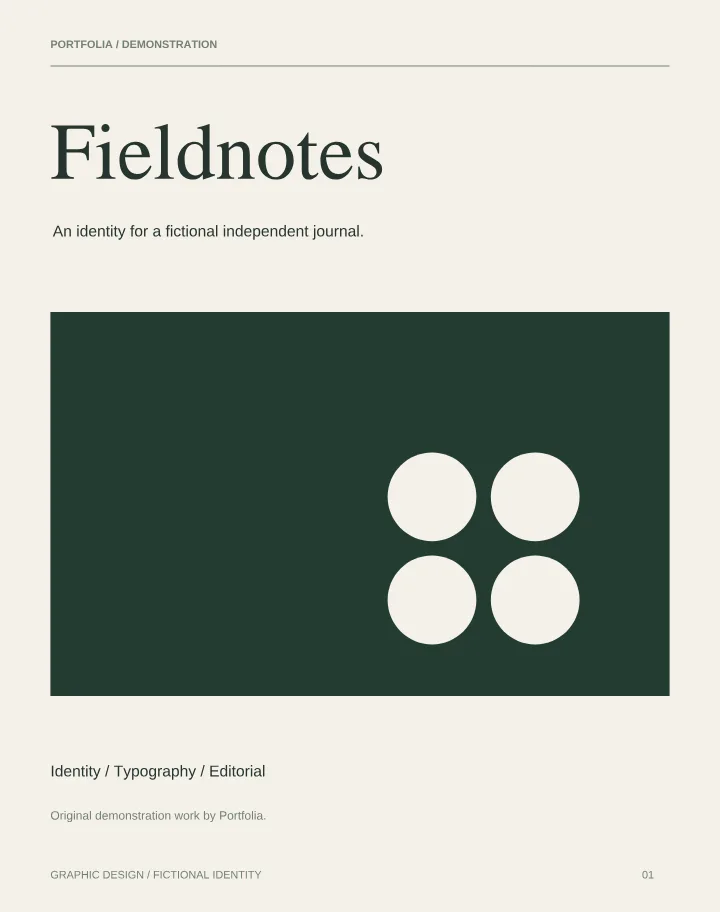
Fieldnotes — graphic-design demonstration portfolio cover

Demonstration portfolio

Fieldnotes

A six-page identity study for a fictional journal, from the brief and mark to typography and editorial applications.

  • Six pages: brief, mark, typography and editorial applications
  • Named projects you can jump between from the Projects menu
  • Simple and Studio views of the same book

Original fictional demonstration by Portfolia. Fieldnotes is an invented brief, not a customer or client project.

Typography stays true

Text remains selectable in Scroll and Page by page modes. Flipbook presents each page as an image.

Working links

Links to live projects or case studies stay clickable in Scroll and Page by page modes. PDF links are not yet clickable in Flipbook.

Replace any time

Upload a new version and your sharing link stays the same.

Show the system behind the finished image

A branding portfolio can explain how an identity works across a mark, typography, colour and applications. Start with the problem and audience, then show the decisions that connect those parts. An editorial project might focus on hierarchy, grids and sequencing; a campaign might show how a central idea adapts across formats. Give each project a short explanation of your role. Label self-initiated concepts honestly, and use outcomes or client results only when you can substantiate them.

Keep control of typography and composition

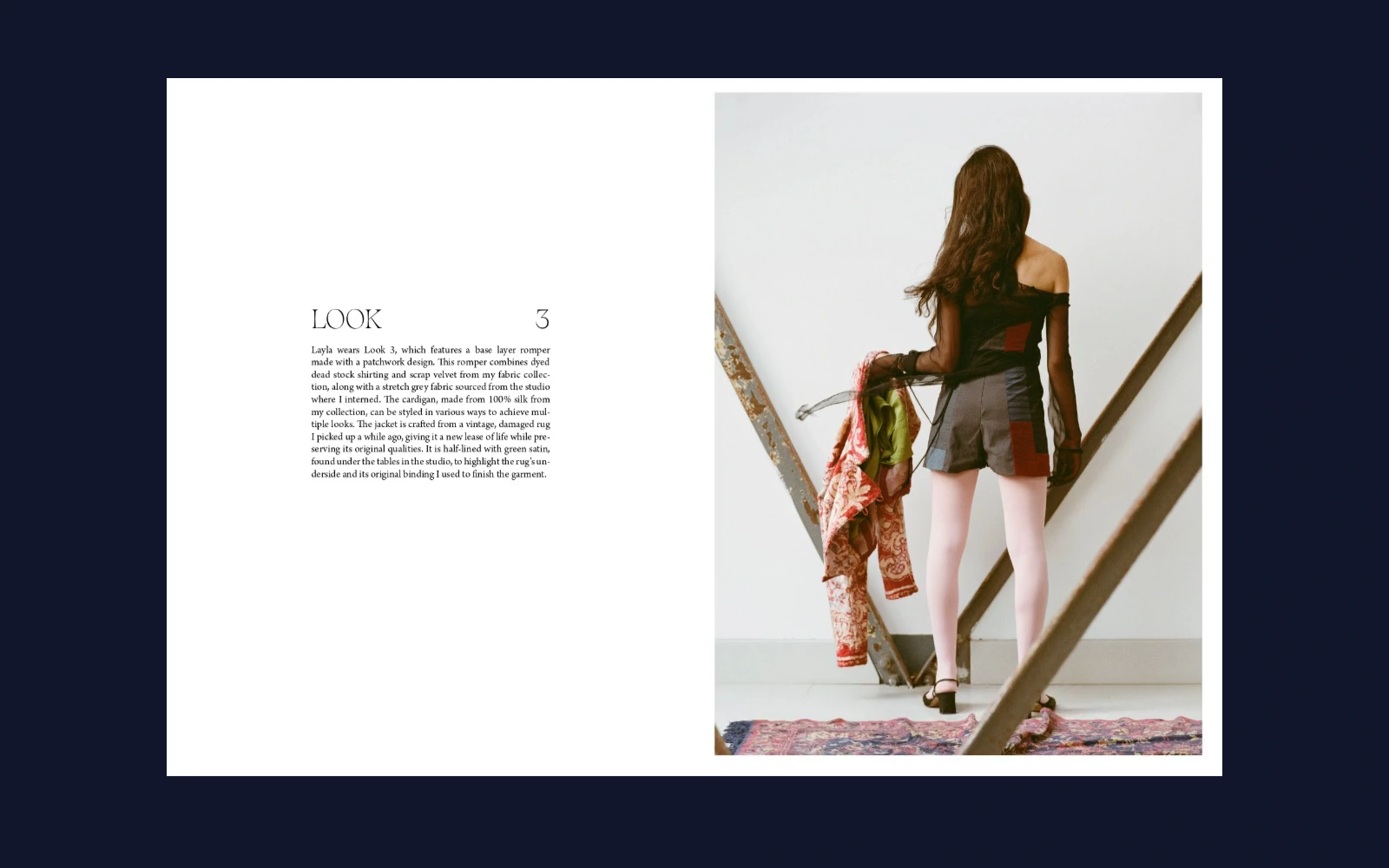
Your PDF carries the page design you already made. Export fonts correctly, inspect fine type at reading size and check that mockup images remain clear without making the file unnecessarily large. The flipbook presents rendered pages in your chosen sequence. Scroll and Page by page also support selectable text and external PDF links. If a case study depends on an interactive prototype or live website, tell the reader where to find it and test the link in one of those modes.

Make a varied portfolio easy to browse

Use named projects for identity, packaging, editorial and digital work. The visual contents panel gives a visitor a first-page preview of each project, and direct links let you highlight the relevant part in a studio application. The page ranges are navigation aids: they do not remove work from the PDF or create separate editions. Replace your portfolio as it develops using the same public address, then recreate project ranges to match the new document.

Before you share

  • Explain the brief and your contribution.
  • Show a visual system across useful applications.
  • Embed fonts and inspect small typography.
  • Test external links in Scroll or Page by page.

Check your PDF locally before uploading, or explore our website embedding guide.

A simple viewer for a professional presentation

Choose how people read. On phones, the book camera follows the current page.

A Simple view and a 3D Studio view with paper finishes, room lighting and backdrops.

Start free with one PDF up to 30 MB. Explore the free PDF flipbook or see the plans.

How it works

How it works

  1. 1

    Export your portfolio from InDesign, Illustrator, Figma or Canva.

  2. 2

    Upload it and add your profile.

  3. 3

    Share your link or QR code with studios and clients.

Try it with your PDF

Questions

Will my PDF links work in the flipbook?
External PDF links work in Scroll and Page by page. They are not clickable within the flipbook, so offer another reading mode when linking to live projects or prototypes matters.
Can I separate branding and editorial projects?
Yes. Named projects organise page ranges within one PDF and give each range a direct link. They do not create separate PDFs or hide the other projects.
How large can my PDF be?
Up to 30 MB on Free, or up to 100 MB per portfolio on Personal. You can preview larger files first, and the upload box can make a smaller web copy.
Can I share it with a QR code?
Yes. Every published portfolio has a downloadable high-resolution QR code for print, cards and displays.
Can I use it instead of a website?
Yes — many designers use one link to a polished PDF as their portfolio site.