
How to send a portfolio that actually gets opened.

A great portfolio is wasted if it bounces, won't open on a phone or gets lost in an attachment. Here's how to send it well, and how a portfolio link helps.

Drag your PDF here

PDF only · publish up to 30 MB on your plan

Large PDF? Upload options
Before uploading

Everything happens on your device and your original file is never changed. Free publishes PDFs up to 30 MB, Personal up to 100 MB, and you can preview files up to 150 MB first.

No sign-up to preview. Sign in to save and publish.

Free tool

Write your portfolio email in 30 seconds

Fill in the gaps and copy the result. Nothing you type leaves your browser.

No link yet? Get one free in two minutes.

Subject: Portfolio: the role application, Your name
Hi there,

I am applying for the role and would love you to see my portfolio:
portfolia.site/yourname

It opens in your browser on any device, with nothing to download. The projects most relevant to this role come first.

I would be glad to talk it through whenever suits you.

Best wishes,
Your name

Link or attachment?

Portfolio linkPDF attachment
Opens on any phoneYes, in the browserNeeds a PDF app
File size limitsNone for the readerGmail 25 MB, Outlook 20 MB
Fix a typo after sendingReplace the PDF, same linkSend it all again
Know it was openedBasic visit statisticsNo
Company email filtersRarely an issueLarge files often held back

Real examples

What the recipient opens

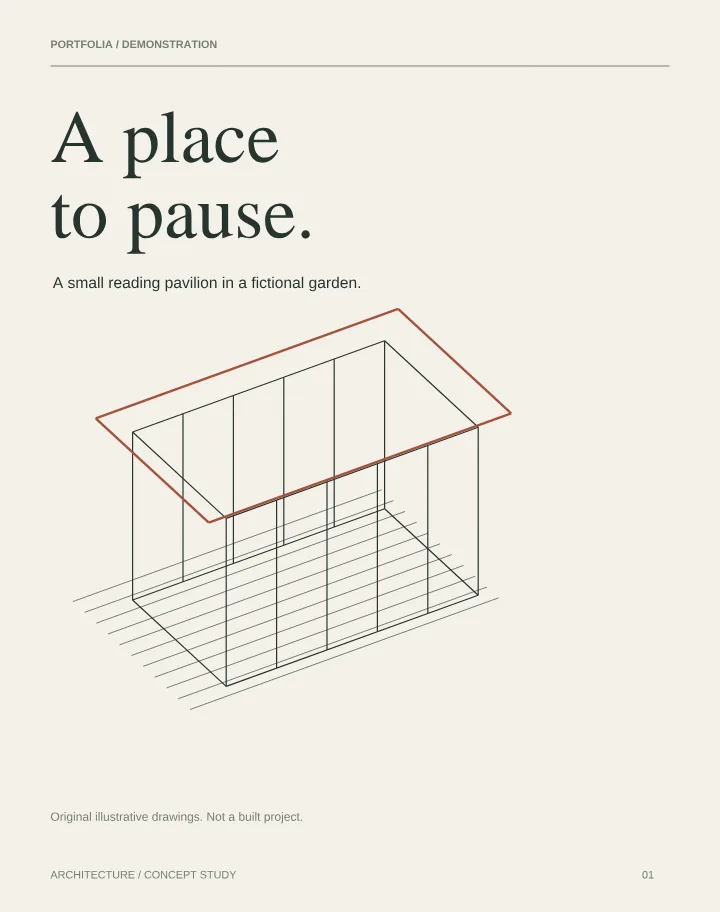
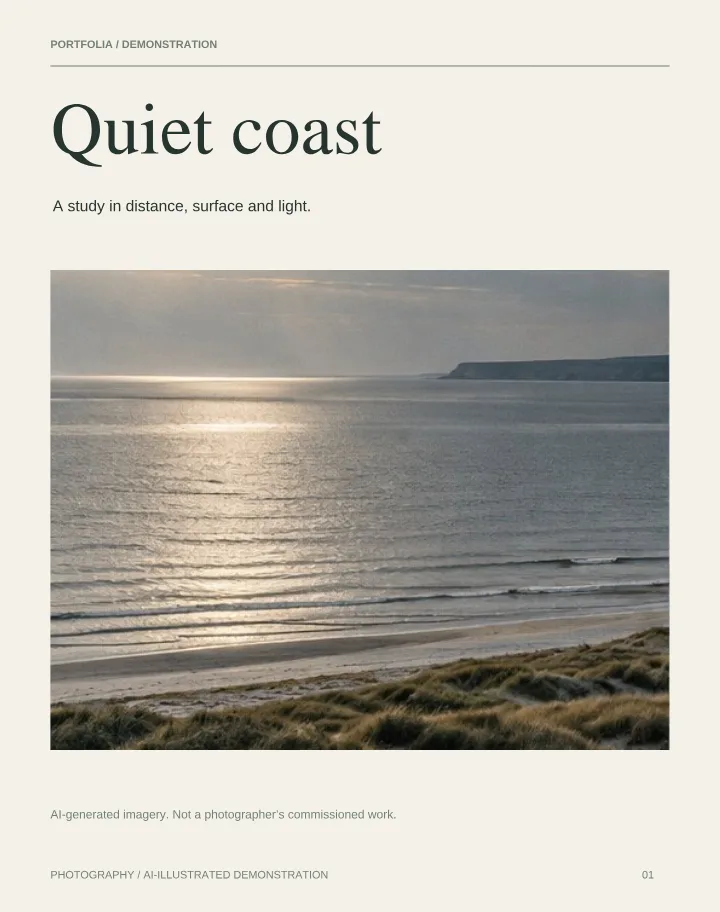
Every link opens a viewer like these: turn the pages, zoom into detail, no download needed.

Prefer a link

A link keeps emails small, opens on any device and always shows your latest version.

Add it to your CV

Put the link (or a QR code) in your CV header and LinkedIn Featured section.

Know it landed

Basic visit statistics show whether your portfolio was opened.

What to write in the email

Use a clear subject such as "Portfolio – Junior Designer application – Your Name". In two or three sentences say who you are, what you're applying for and which project to look at first, then paste the link. Mention a PDF is available on request if they prefer a file.

Link or PDF?

Send exactly what is requested. When there's no instruction, a link is safer: attachments over about 20–25 MB are rejected by many email services, and a link can be updated after sending. If a PDF is required, keep it compact and name it clearly, for example YourName-Portfolio-2026.pdf.

Before you share

  • Follow the recipient's format if they give one.
  • Name files and links with your name.
  • Lead with the work most relevant to them.
  • Send a test to yourself and open it on your phone.

Check your PDF locally before uploading, or explore our website embedding guide.

A simple viewer for a professional presentation

Choose scroll, page-by-page or PDF flipbook reading. The flipbook offers a clean Simple view and a 3D Studio view with paper finishes, room lighting and wood backdrops. On phones, the book camera follows the current page.

Start free with one PDF up to 30 MB. Explore the free PDF flipbook or learn about Portfolia as an Issuu alternative.

How it works

  1. 1Upload your portfolio PDF.
  2. 2Publish it and copy the link.
  3. 3Paste the link into your email, CV and LinkedIn.
  • Free plan: one PDF portfolio up to 30 MB
  • Permanent sharing link and downloadable QR code
  • Profile, email, LinkedIn and contact links
  • Basic visit statistics

Need more? See pricing for the Personal plan.

Get the link for your email.

Drop your portfolio PDF to preview it, publish free, then paste your link into the template above.

Drag your PDF here

PDF only · publish up to 30 MB on your plan

Large PDF? Upload options
Before uploading

Everything happens on your device and your original file is never changed. Free publishes PDFs up to 30 MB, Personal up to 100 MB, and you can preview files up to 150 MB first.

No sign-up to preview. Sign in to save and publish.

Questions

Should I attach my portfolio or send a link?
Whatever the recipient asks for. Otherwise a link is easier to open and update.
How do I add a portfolio link to my CV?
Add it next to your contact details, ideally as a short personal address (portfolia.site/yourname with Personal), plus a QR code on printed copies.
Is it free?
Yes. The Free plan hosts one PDF up to 30 MB with a permanent link and QR code. Personal adds up to 10 PDFs of 100 MB each.
Do I need an account?
Not to try it. Drop your PDF on the homepage to preview it straight away. Sign in, free, when you want to publish your link.