
How to export from Canva
In Canva choose Share, then Download, and pick PDF Standard for a lighter file or PDF Print for the highest quality. If the PDF is over 30 MB, try PDF Standard or use Large PDF? Upload options to make a smaller web copy.
Download your Canva portfolio, magazine, catalogue or lookbook as a PDF, upload it, and share it as a turning flipbook with a permanent link.
Drag your PDF here
PDF only · publish up to 30 MB on your plan
Everything happens on your device and your original file is never changed. Free publishes PDFs up to 30 MB, Personal up to 100 MB, and you can preview files up to 150 MB first.
No sign-up to preview. Sign in to save and publish.
Step by step
Click Share
Top right of the Canva editor, next to your name.
Menu names can shift slightly as Canva updates its editor.
Real examples
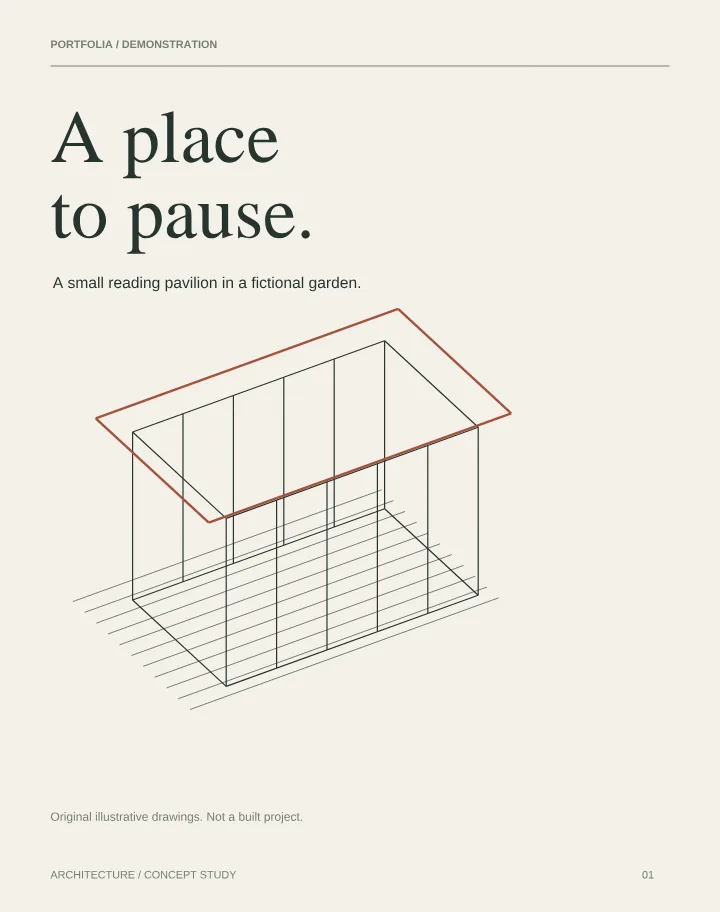
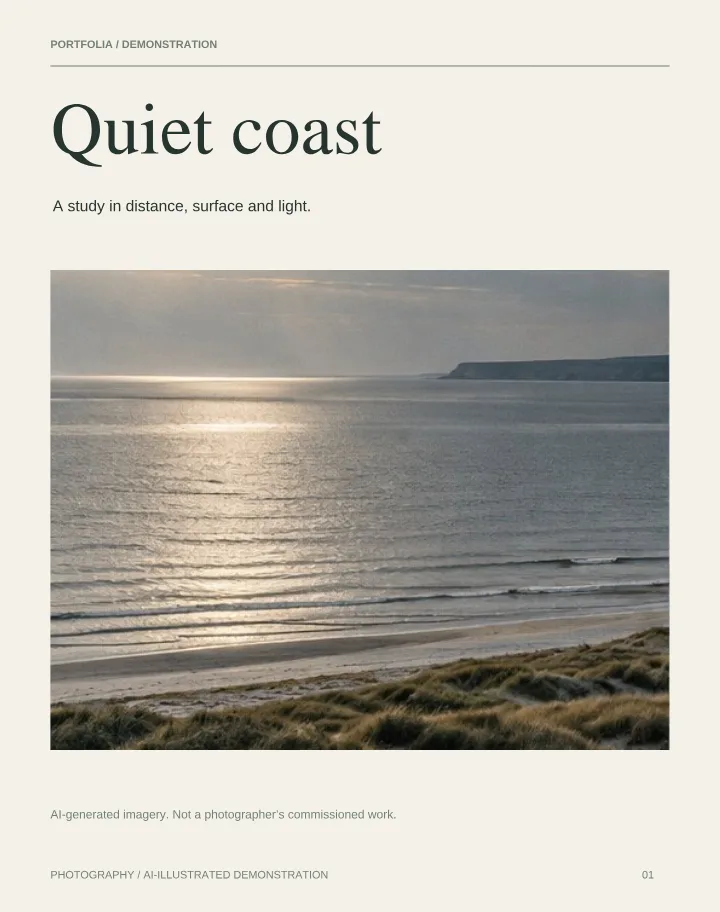
Lookbooks, zines, portfolios and brochures all read as real books. Open one in the live viewer.
Explore Scarlett Bushell’s fashion lookbook in the live viewer. Try the Simple and Studio appearances before sharing your own work.
Open the example portfolioPages appear exactly as exported. Spreads and single pages both work.
Curved, lit pages that readers drag or click to turn, on desktop and phones.
Links in your PDF stay clickable in the scroll and page-by-page views, and you can add link icons to any page for the flipbook.
In Canva choose Share, then Download, and pick PDF Standard for a lighter file or PDF Print for the highest quality. If the PDF is over 30 MB, try PDF Standard or use Large PDF? Upload options to make a smaller web copy.
Use Portfolia when you want readers to experience your design as a book: a page-turning viewer, a permanent link that survives edits, a QR code, visit statistics and an embed for your website.
Check your PDF locally before uploading, or explore our website embedding guide.
Choose scroll, page-by-page or PDF flipbook reading. The flipbook offers a clean Simple view and a 3D Studio view with paper finishes, room lighting and wood backdrops. On phones, the book camera follows the current page.
Start free with one PDF up to 30 MB. Explore the free PDF flipbook or learn about Portfolia as an Issuu alternative.
Need more? See pricing for the Personal plan.
Download it from Canva as a PDF and drop it here. You see the flipbook straight away, with no sign-up.
Drag your PDF here
PDF only · publish up to 30 MB on your plan
Everything happens on your device and your original file is never changed. Free publishes PDFs up to 30 MB, Personal up to 100 MB, and you can preview files up to 150 MB first.
No sign-up to preview. Sign in to save and publish.