
A simpler flipbook for portfolios
An Issuu alternative for your creative portfolio.
Already sharing your portfolio on Issuu? Compare the cost of embedding and the way your work is presented before moving. Portfolia gives a finished PDF its own portfolio link, with Simple, Studio, Scroll and Page by page viewing.
Large PDF? Upload options
Everything happens on your device and your original file is never changed. Free publishes PDFs up to 30 MB, Personal up to 100 MB, and you can preview files up to 150 MB first.
- Free website embed
- No watermark on your pages
- From £2.08 a month, billed yearly
Already sharing your portfolio on Issuu? Compare the cost of embedding and the way your work is presented before moving. Portfolia gives a finished PDF its own portfolio link, with Simple, Studio, Scroll and Page by page viewing.
Portfolia vs Issuu · Reviewed 11 October 2026
The difference that matters
If your main goal is to put a portfolio inside your own website, embed permission matters as much as page turns. Squarespace’s current Issuu guide says embedding requires a paid Issuu plan. Portfolia includes website embedding on Free, so you can test your actual portfolio without paying for that step.
| What you need | Portfolia | Issuu |
|---|---|---|
| Website embedding | Included on Free; copy your portfolio’s embed code. | Paid Issuu plan required, according to Squarespace’s integration guide. Source |
| Publishing a PDF | Preview before signing in; save and publish a portfolio. | Upload a file into Issuu’s Publications area. Source |
| Website display | A portfolio viewer with selectable reading styles. | Publication embed code and a full-screen lightbox are documented. Source |
Issuu’s live pricing could not be independently retrieved for this review; no competitor price is quoted. Check its current plans and embedding permissions before subscribing.
Which fits your next project?
Keep an existing publication where it is if its wider publishing workflow already meets your needs. Try Portfolia when the priority is a personal presentation for applications, clients or an exhibition, and compare your original PDF in both readers before switching.
Portfolia currently has no public discovery gallery, in-page video/audio player, lead forms, custom domains or team approval workflow. Its visit statistics are basic. A link to your store does not provide an integrated checkout.
Large PDF? Upload options
Everything happens on your device and your original file is never changed. Free publishes PDFs up to 30 MB, Personal up to 100 MB, and you can preview files up to 150 MB first.
Switching?
The same features, at a fraction of the price.
Features that usually sit on business plans costing tens of pounds a month. On Free you get hotspots, info icons, YouTube and Vimeo videos on pages, plus visit and download counts. Lead capture forms, detailed reader insights and uploaded videos come with Personal, at £3 billed monthly or £25 billed yearly.
See every comparison, with sources.
Keep your original layout
Upload the finished PDF you designed. The portfolio editor changes its presentation, with separate settings for each portfolio.

Choose the reading experience
Offer Simple or Studio lighting alongside Flipbook, Scroll or Page by page. Add website icons, scrapbook notes and tabs.
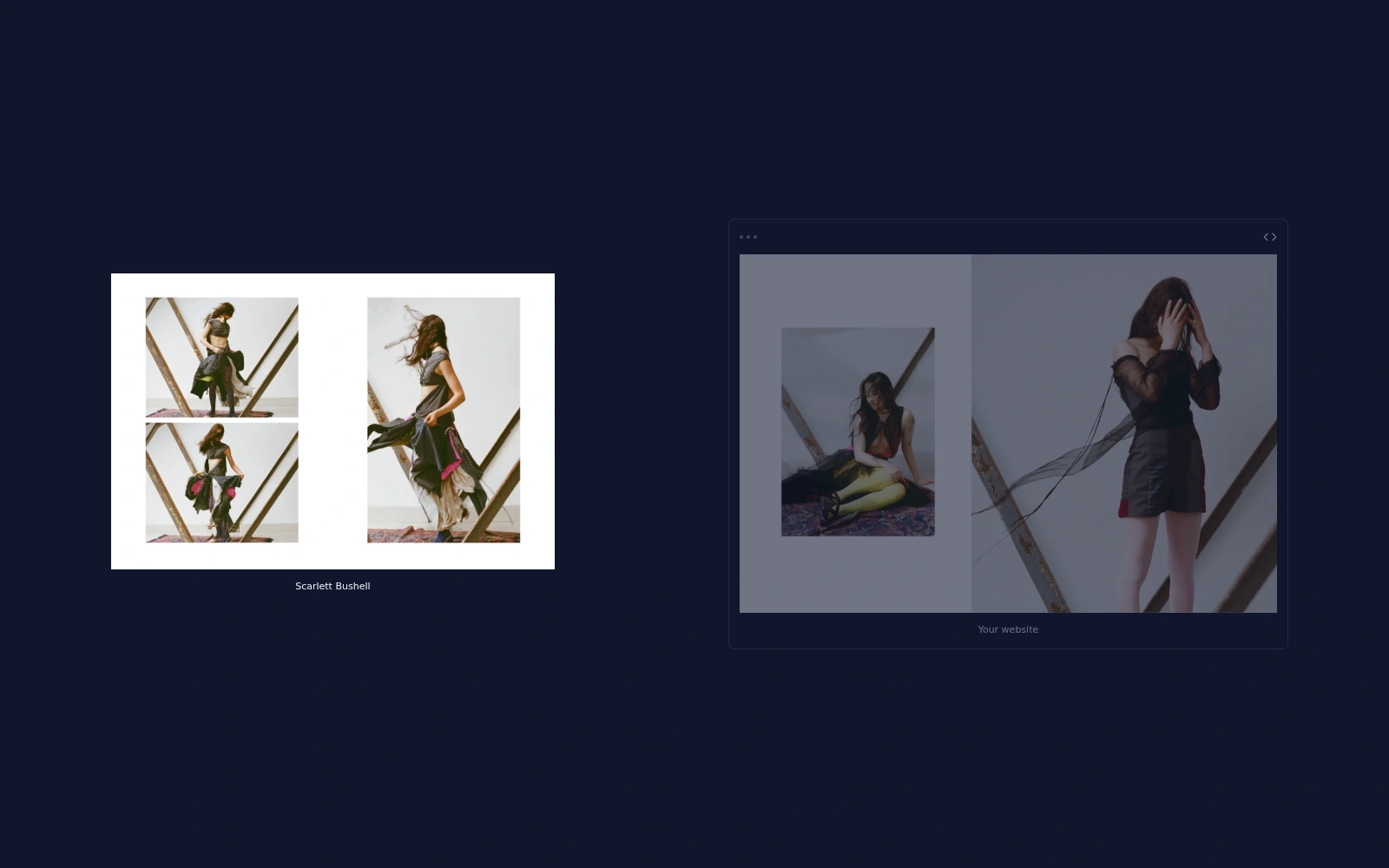
Start with a real PDF
Free includes one portfolio up to 30 MB, QR codes and embedding. Personal is £3/month or £25/year, with up to ten portfolios and 100 MB per PDF.
A simple viewer for a professional presentation
Choose how people read. On phones, the book camera follows the current page.
A Simple view and a 3D Studio view with paper finishes, room lighting and backdrops.
Start free with one PDF up to 30 MB. Explore the free PDF flipbook or see the plans.
How it works
How it works
- 1
Export your original portfolio as a PDF.
- 2
Upload it, test each page and choose your viewer settings.
- 3
Publish, then replace the links and embeds you want to move.
Questions
- Will my old Issuu address redirect to Portfolia?
- No. Publish your new portfolio, then update your website embed, CV, QR cards and application links. Keep your original PDF and check every page before removing an old publication.
- Can I import my existing Issuu web address?
- No. Upload your original PDF to create a new Portfolia link. Third-party addresses, viewer settings, interactive overlays and analytics are not automatically imported.