Turn your PDF into a link anyone can open.

Drop in a PDF and get a clean web link that opens in any browser, on phones and laptops, with nothing to download. Built for portfolios, books, lookbooks and catalogues, and it works for any PDF you want people to read.

Drag your PDF here

PDF only · publish up to 30 MB on your plan

Large PDF? Upload options
Before uploading

Everything happens on your device and your original file is never changed. Free publishes PDFs up to 30 MB, Personal up to 100 MB, and you can preview files up to 150 MB first.

No sign-up to preview. Sign in to save and publish.

Today 09:41

Here’s my portfolio, it opens right in your browser 👇

Scarlett BushellScarlett Bushell · Portfolioportfolia.site

Tap the card to open the live example

What they see

A preview card, then your pages

Paste your link into WhatsApp, iMessage, LinkedIn or email and it shows as a card with your title. One tap opens the viewer: no app, no download, no “file too large”.

  • Opens on phones, tablets and laptops
  • Same link after you replace the PDF
  • Downloads only if you allow them

Real examples

Works for every kind of PDF

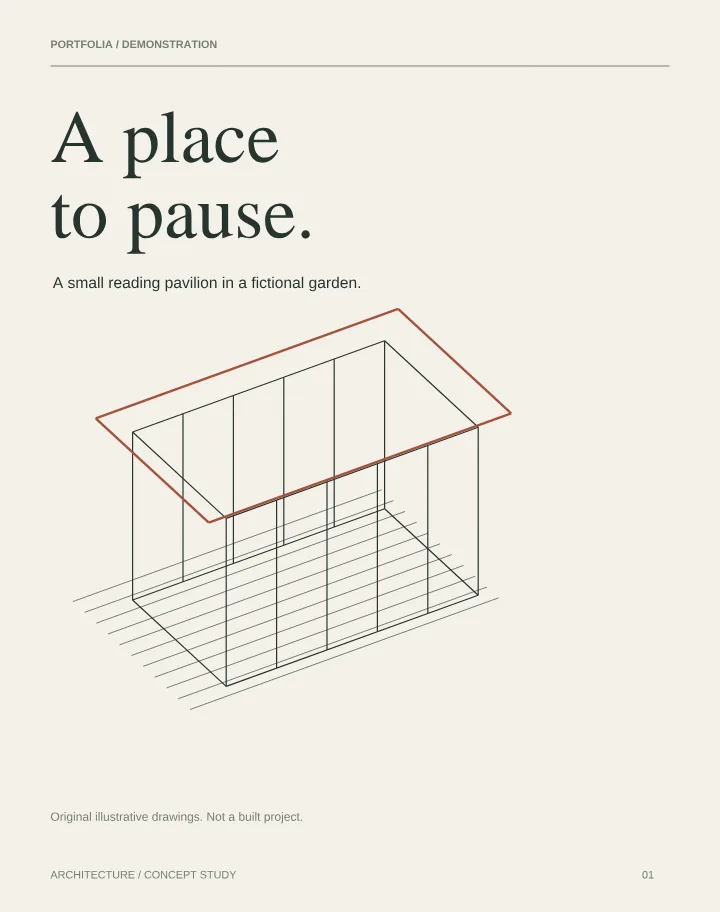
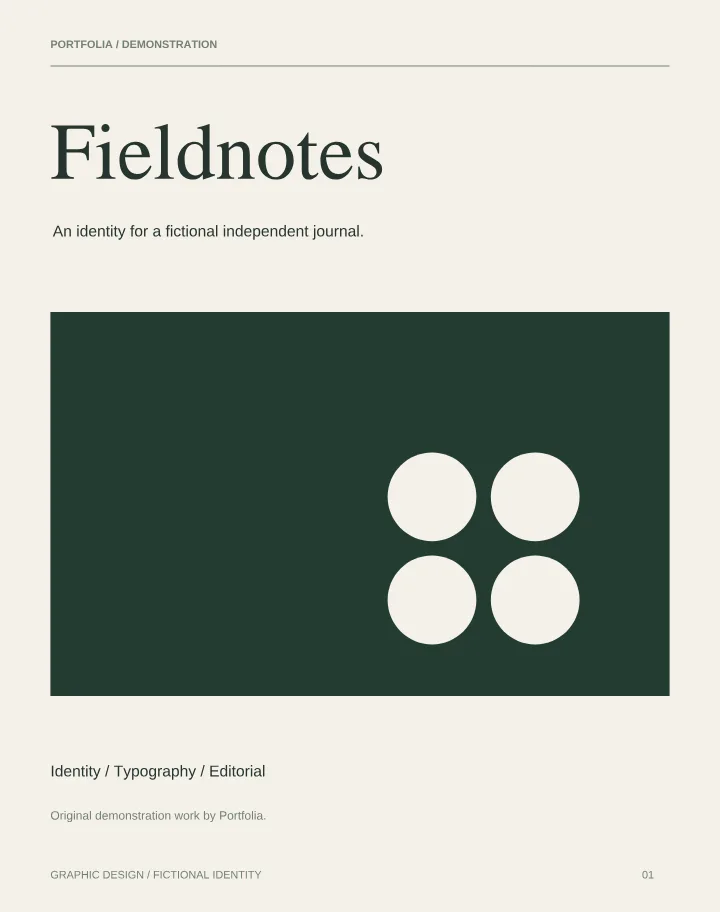
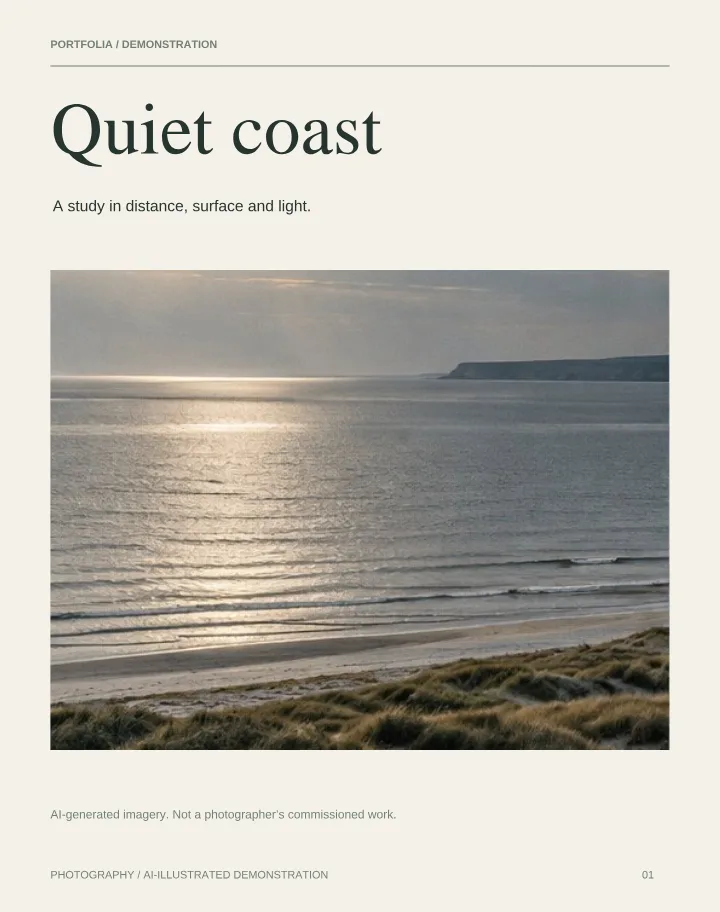
Portfolios, photo series, brand books and lookbooks. Open any of these to see exactly what your link opens.

No sign-up to try

Preview your PDF as a link-ready page straight away. A free account is only needed to publish.

A link that lasts

Your link never changes, even when you replace the PDF, so emails, CVs and printed QR codes keep working.

Read beautifully

Visitors read as a 3D flipbook, page by page or as a scroll, and zoom into detail. You choose which styles they can use.

What kind of link do I get?

Every published PDF gets a permanent address such as portfolia.site/p/abc12, plus a downloadable QR code. With Personal you can also claim a short personal address like portfolia.site/yourname. The link opens a fast viewer, not a file download, unless you allow downloading.

When a link beats an attachment

Attachments get blocked, stripped or buried in downloads folders, and the recipient needs the right app. A link opens instantly, always shows your latest version and can be pasted into job applications, social bios and messages.

Before you share

  • Export the PDF from your design app with web-friendly image sizes.
  • Keep it under 30 MB on Free (the upload box can make a smaller web copy on your device).
  • Decide whether visitors may download the original file.
  • Open the link on your phone before sending it.

Check your PDF locally before uploading, or explore our website embedding guide.

A simple viewer for a professional presentation

Choose scroll, page-by-page or PDF flipbook reading. The flipbook offers a clean Simple view and a 3D Studio view with paper finishes, room lighting and wood backdrops. On phones, the book camera follows the current page.

Start free with one PDF up to 30 MB. Explore the free PDF flipbook or learn about Portfolia as an Issuu alternative.

How it works

  1. 1Drop your PDF on the homepage to preview it.
  2. 2Sign in free and publish.
  3. 3Copy your link or download its QR code.
  • Free plan: one PDF portfolio up to 30 MB
  • Permanent sharing link and downloadable QR code
  • Profile, email, LinkedIn and contact links
  • Basic visit statistics

Need more? See pricing for the Personal plan.

Your link is one drop away.

Preview your PDF as a link-ready page now, with no sign-up. Publish free to get your permanent link and QR code.

Drag your PDF here

PDF only · publish up to 30 MB on your plan

Large PDF? Upload options
Before uploading

Everything happens on your device and your original file is never changed. Free publishes PDFs up to 30 MB, Personal up to 100 MB, and you can preview files up to 150 MB first.

No sign-up to preview. Sign in to save and publish.

Questions

Do I need an account?
Not to try it. Drop your PDF on the homepage to preview it straight away. Sign in, free, when you want to publish your link.
Is it free?
Yes. The Free plan hosts one PDF up to 30 MB with a permanent link and QR code. Personal adds up to 10 PDFs of 100 MB each.
What if I change the PDF later?
Replace the file whenever you like. Your link and QR code stay the same, so anything you have already sent opens the new version.
Can people download my PDF from the link?
Only if you switch downloading on. Otherwise the link shows the pages in the viewer.
Can I keep it private?
Unpublished PDFs are never public. With Personal you can add a password and an expiry date to a published link.